Orders and invoices, balances and aging, shipment tracking, material test reports, drawings, the parts store and your team's access. One sign-in, and no phone call needed to find out where something stands.
Pick an area to see the screen it belongs to.
Each one has its own guide inside the portal, so nobody has to be trained on it before they can use it.
An account gets you looking around. Registering as a customer is what opens ordering and puts your tax exemption on file.
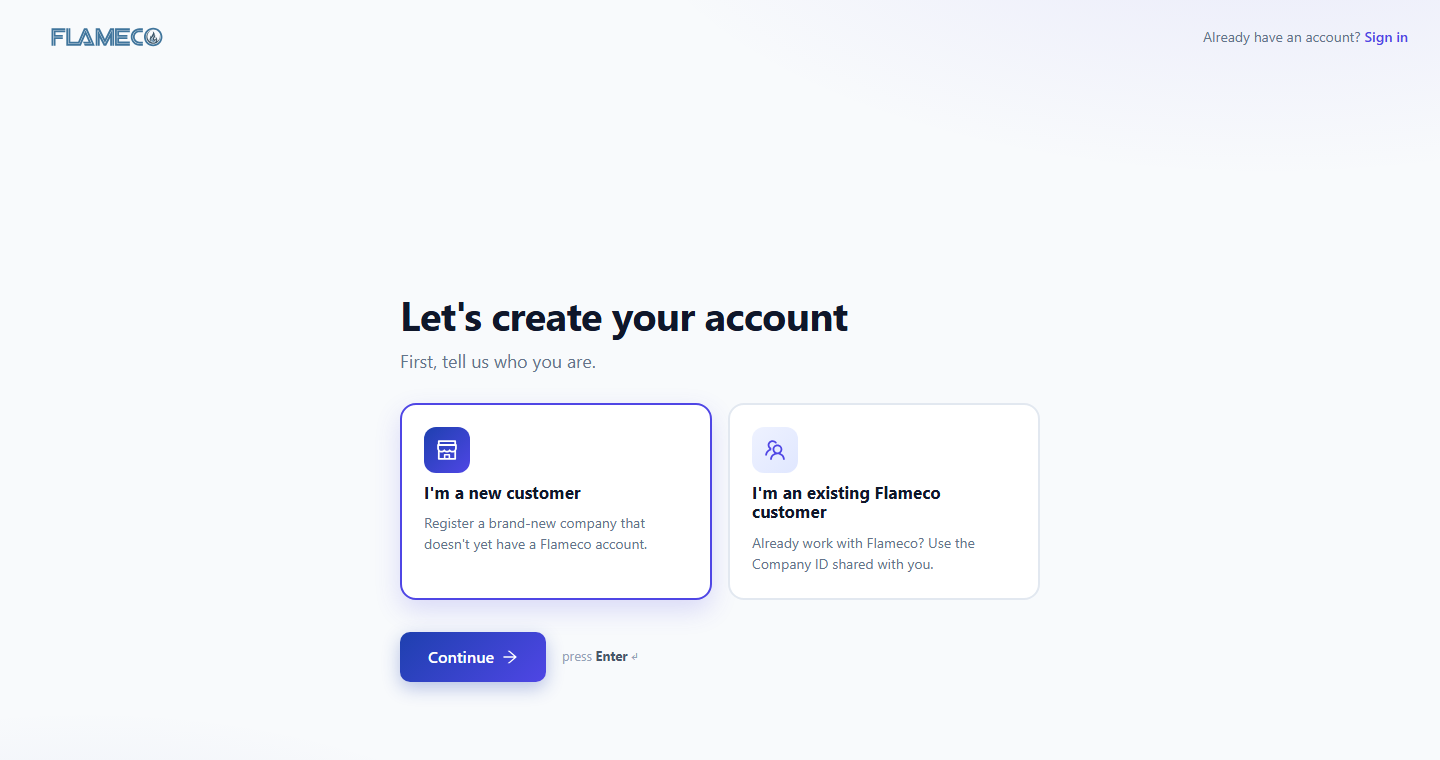
Your email, company name, your name and your role. No account number needed. Pick the new customer card on the sign-up screen.
We send a confirmation link. Click it and the portal is on your dashboard.
Company details, delivery locations, and who handles purchasing and payables. Your progress saves as you go.
Attach your W-9 and exemption certificate and tick the states it covers. Without a certificate on file we have to charge tax.
Raise it in the portal and it stays on the record, or call the shop on (918) 832-1100 and talk to the people who built the equipment.
Create and manage tickets for portal issues and questions: access, a screen behaving oddly, a document you cannot find.
Submit product support cases for warranty claims, technical issues and service requests, against the equipment on your account.
Questions before you sign up? Call (918) 832-1100 or email online@flameco.com. Existing customers can log in with the account you already have.